Maintain operational teams once.
The farm creates crews and controls membership, while connected group chats can follow those changes automatically.
- Eligible farm workers only
- Auto Invite and Auto Remove
- Admin protection in linked groups
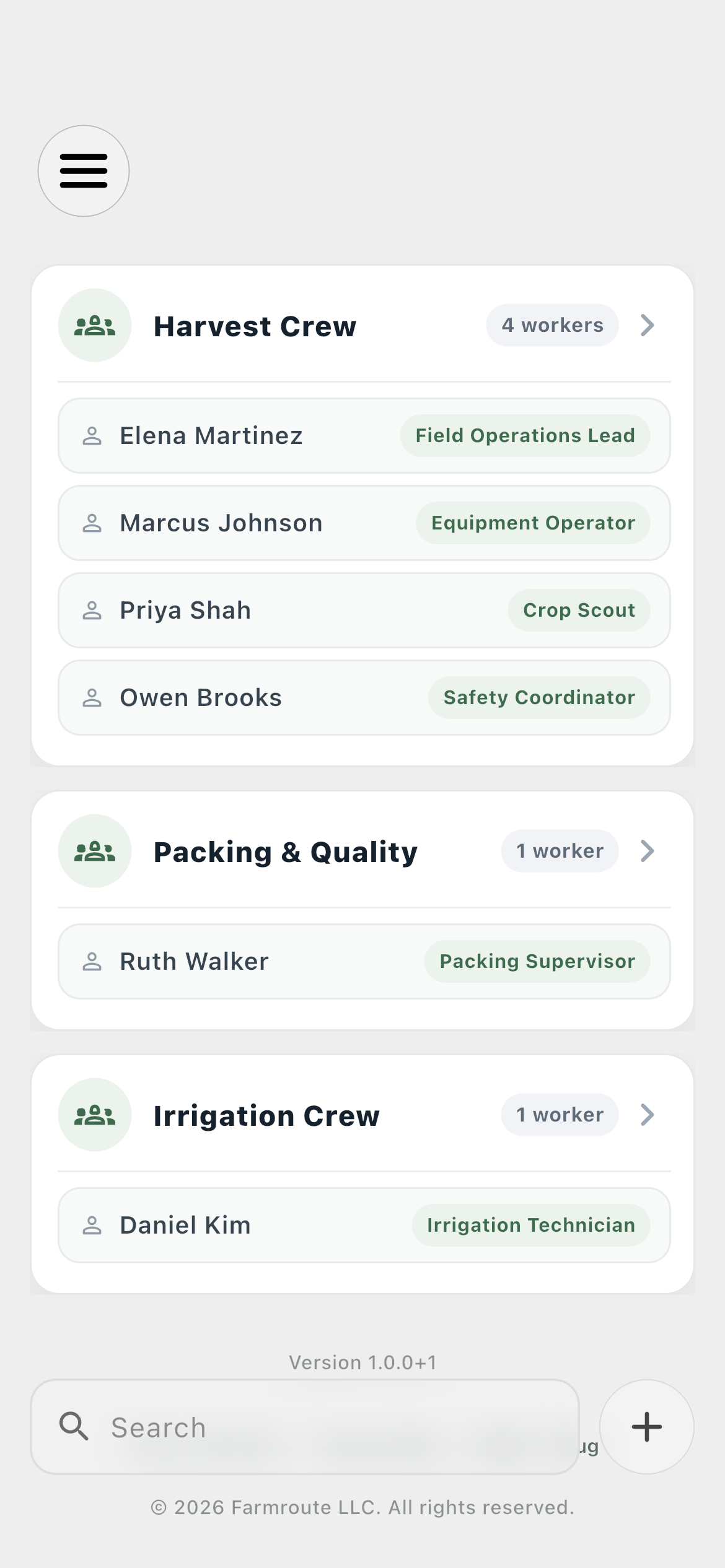
Crew membership updates across farm and employee views and can automatically manage selected group-chat memberships.
Inside the app
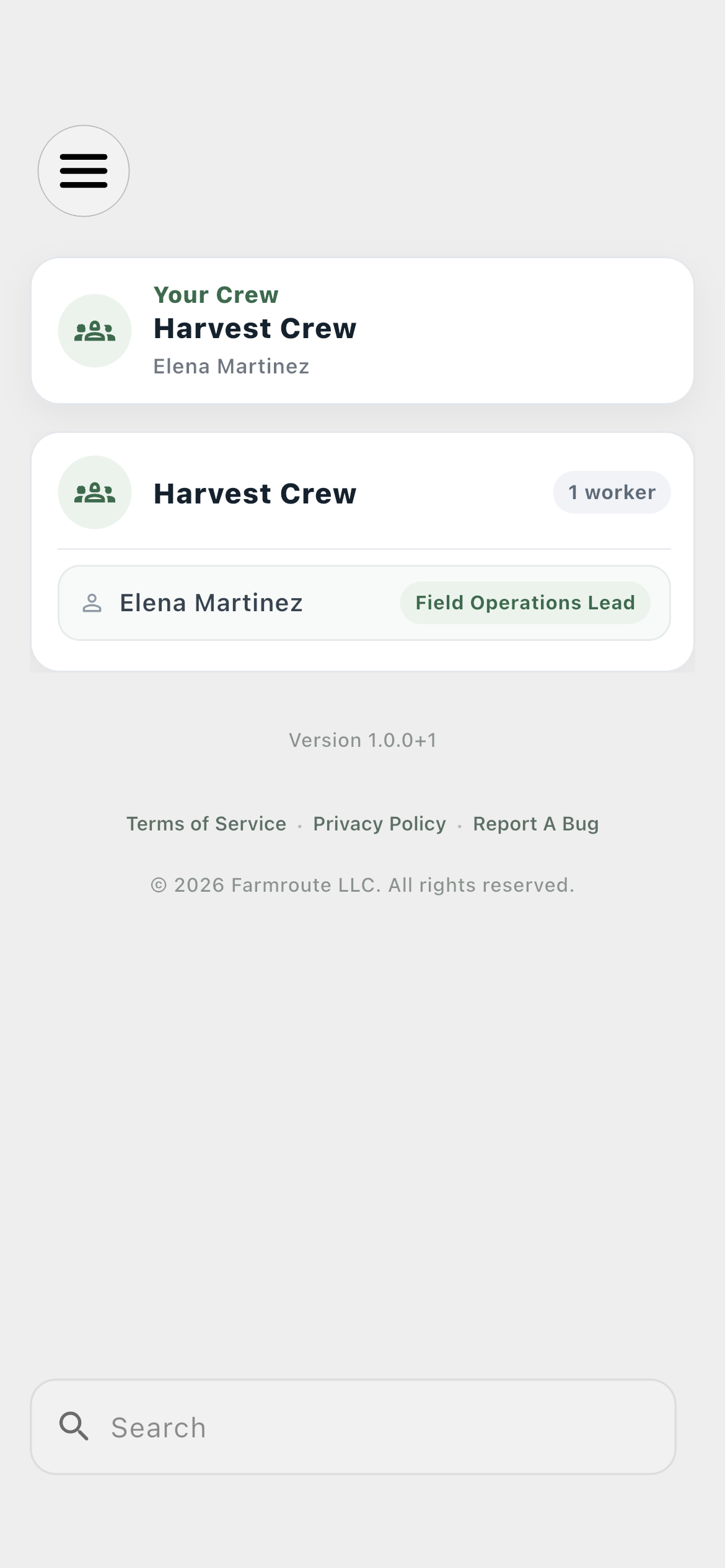
Actual Farmroute screens from the farm and employee demo accounts.
Roles and responsibility
The farm creates crews and controls membership, while connected group chats can follow those changes automatically.
Employee crew state updates through the relationship’s sync scope and remains isolated when the employee belongs to more than one farm.
Complete workflow
Name the team and add workers with a current relationship to the farm.
Use the crew when organizing people, schedules, tasks, or group membership.
Select one or more crews under group Options and enable Auto Invite, Auto Remove, or both.
Adding or removing the worker writes the crew change before emitting the real-time event.
The employee’s crew view and configured notification channels update without a page refresh.
Get started
We pride ourselves on transparency. No need to call for a quote.