Open the farm ID without leaving the page.
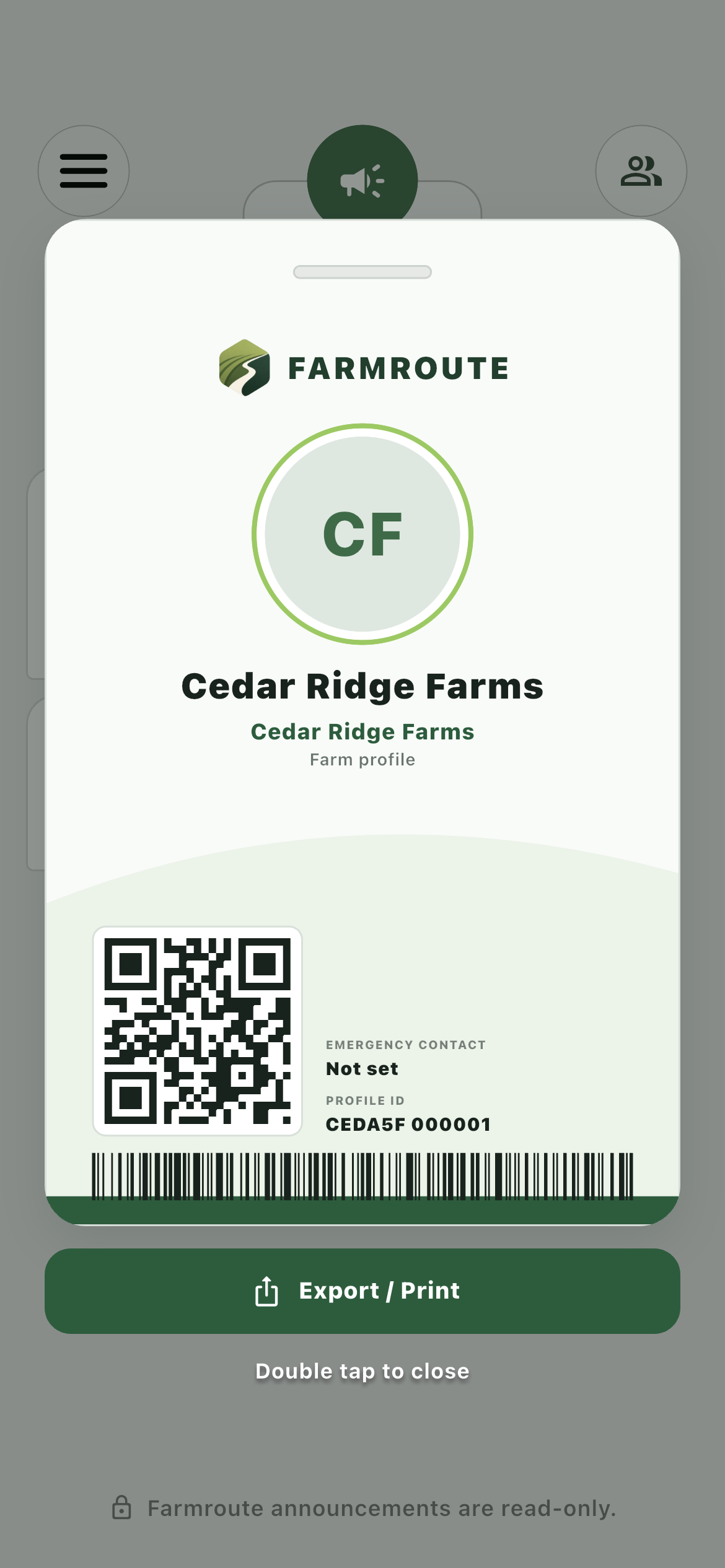
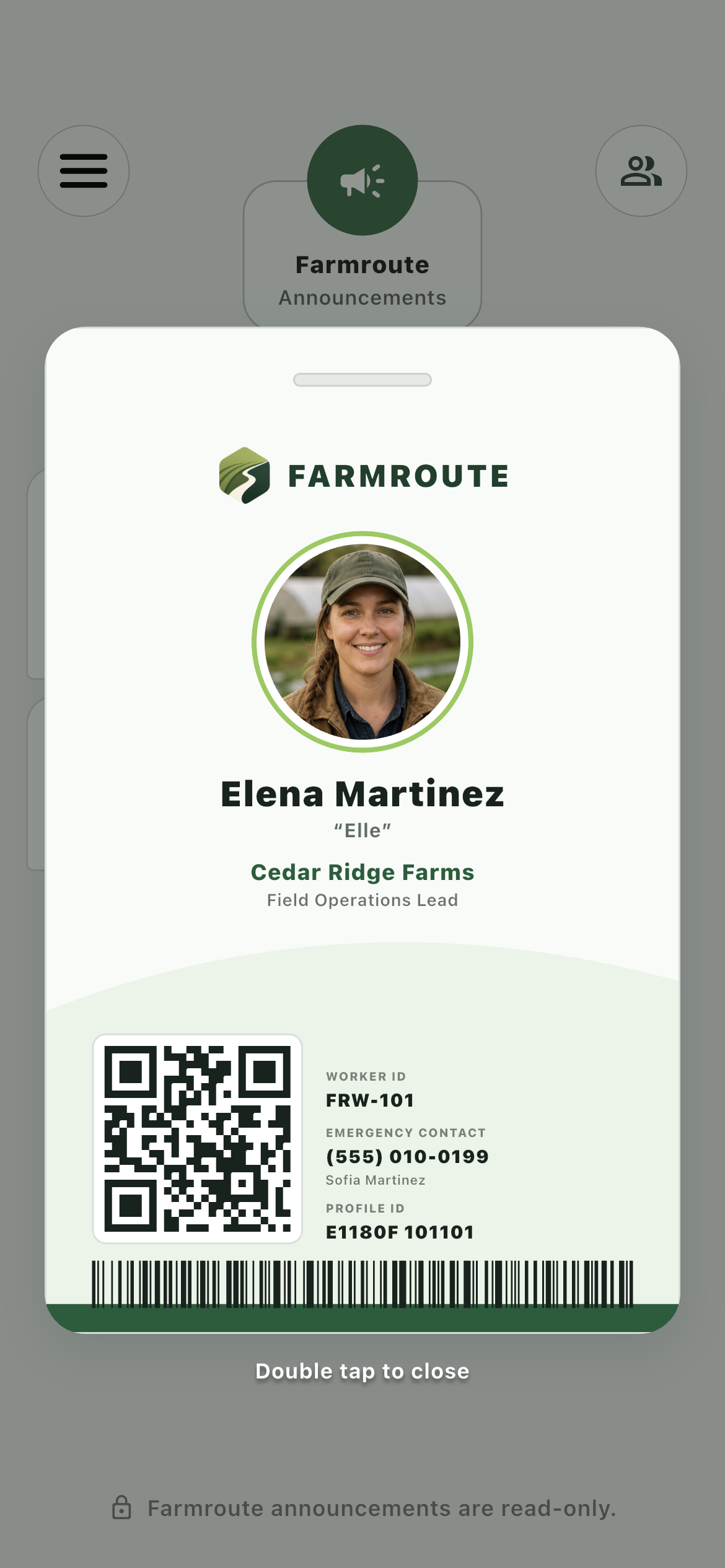
The farm card appears as an overlay and includes printing and export controls for card production and operational use.
- Farm identity and profile ID
- QR code and barcode
- Export and Print controls
Display identity, farm name, worker number, emergency contact, profile reference, QR code, and barcode in a card-printer-friendly layout.
Inside the app
Actual Farmroute screens from the farm and employee demo accounts.
Roles and responsibility
The farm card appears as an overlay and includes printing and export controls for card production and operational use.
The overlay remembers the selected farm, changes farm-specific details, and closes with a double tap without losing navigation state.
Complete workflow
The account avatar is updated from the general account Settings page and appears on the card.
Select ID Card from the app navigation to raise the identity card over the current screen.
If several relationships exist, select the identity context and keep that choice for the next visit.
Supported task scanner items resolve the QR code or barcode to the Farmroute identity reference.
The vertical card layout preserves a hole-punch-safe area and card-printer proportions.
Get started
We pride ourselves on transparency. No need to call for a quote.